Loop video sections for practice
Last updated:
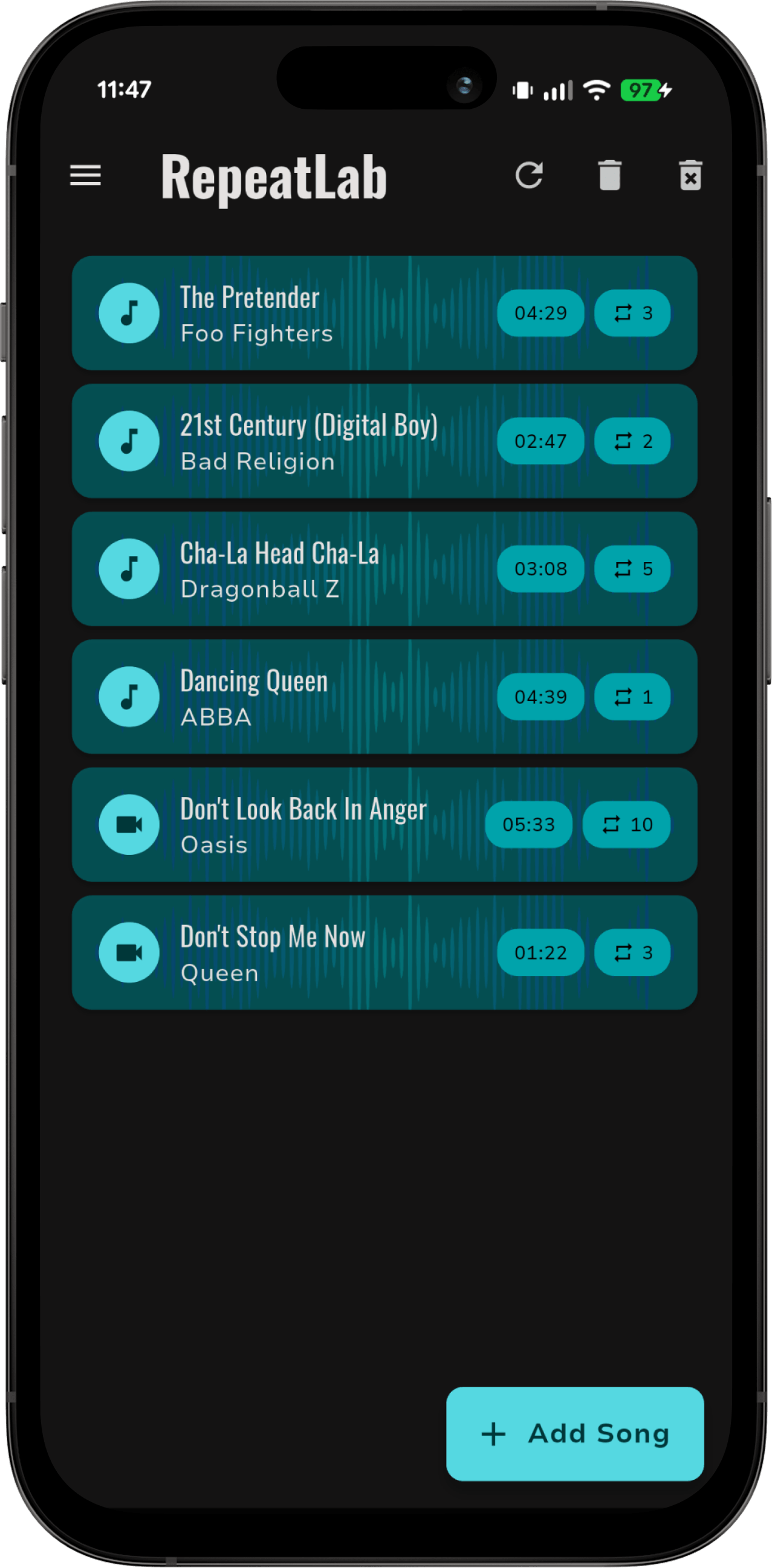
Learning from a video tutorial or a live performance? RepeatLab loops and slows down video exactly like audio, so you can watch a hard passage again and again and practice along, section by section.
Supported video formats
MP4, MOV, M4V, MKV, WEBM and AVI.
How it works
- Import a video file from your device.
- Set an A-B loop around the section you want to practice and fine-tune it to the millisecond.
- With Pro, slow it down (0.5× to 2.0×, or an exact BPM) without changing the pitch.
The video plays while RepeatLab is in the foreground. When you switch to another app or lock the screen, the audio keeps playing in the background with lock-screen controls.
Videos count as songs in your library: unlimited videos are free, with one loop per video. Pro unlocks multiple named, color-coded loops, speed and BPM control, and pitch shifting (beta).
Limits
- Looping YouTube videos is not supported yet. RepeatLab works with video files stored on your device.
- Music from Spotify or Apple Music cannot be imported.